
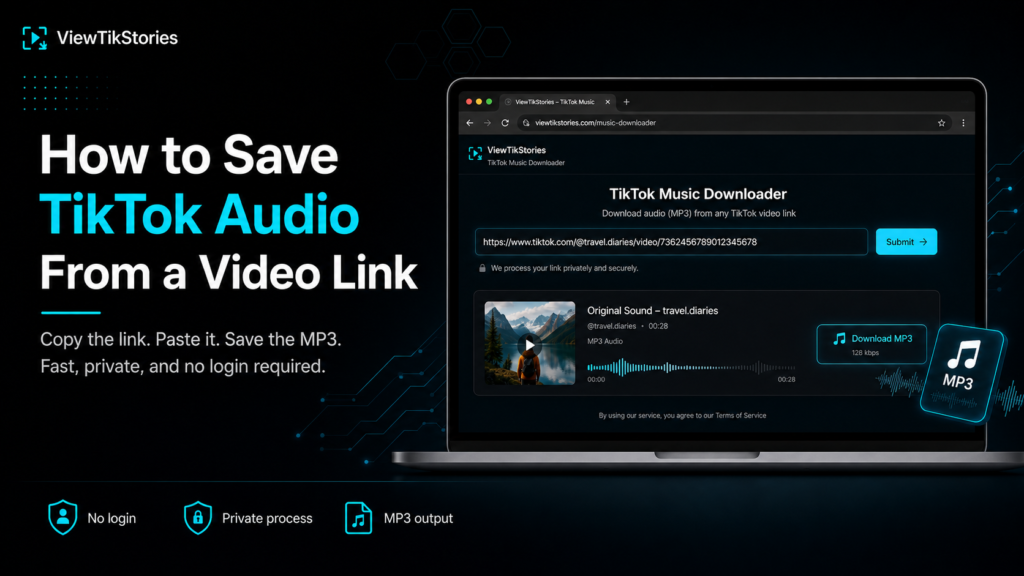
Somebody sent you a TikTok. You do not want the video. You want whatever is playing underneath it.
Starting from a link is the easiest version of this job, because the hard part is already done. No hunting through the app, no working out whose account it was. Paste and save.
There is one thing worth understanding before you do. It concerns what actually ends up inside the file.
How to Save the Audio in Four Steps
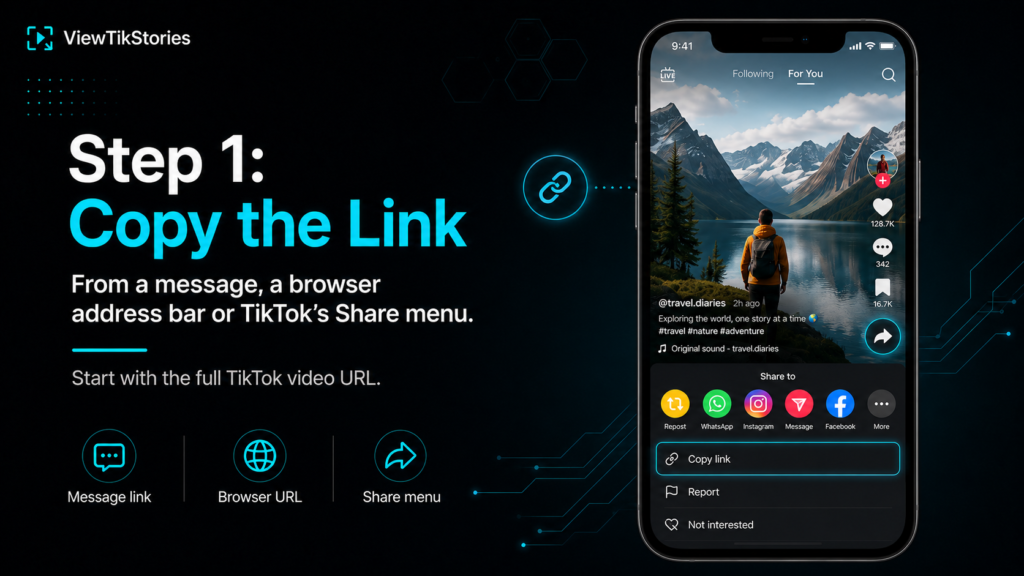
- Copy the link. From a message, a browser address bar or the Share menu inside TikTok.
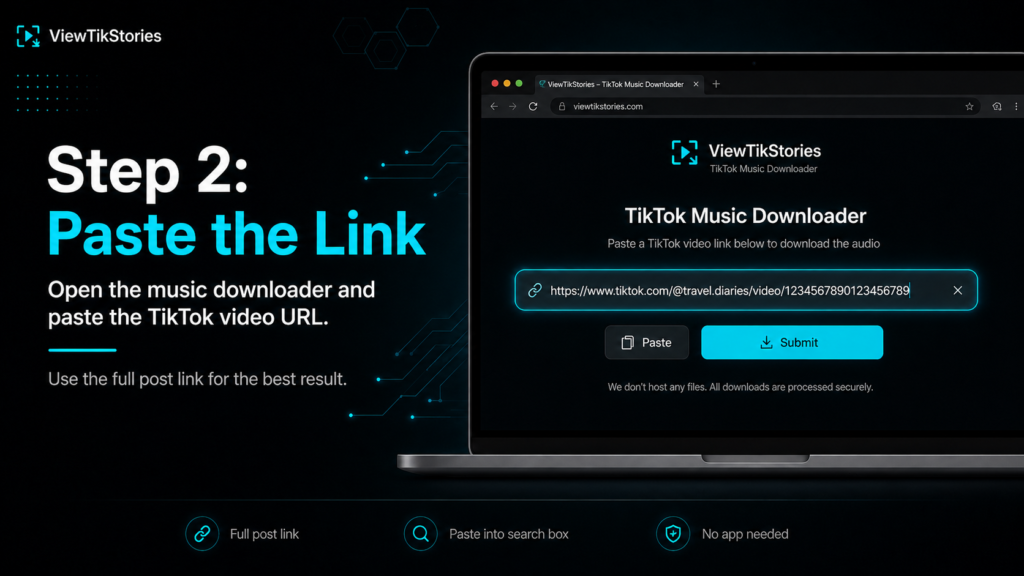
- Open the music downloader andpaste a TikTok video link and save audio from it.
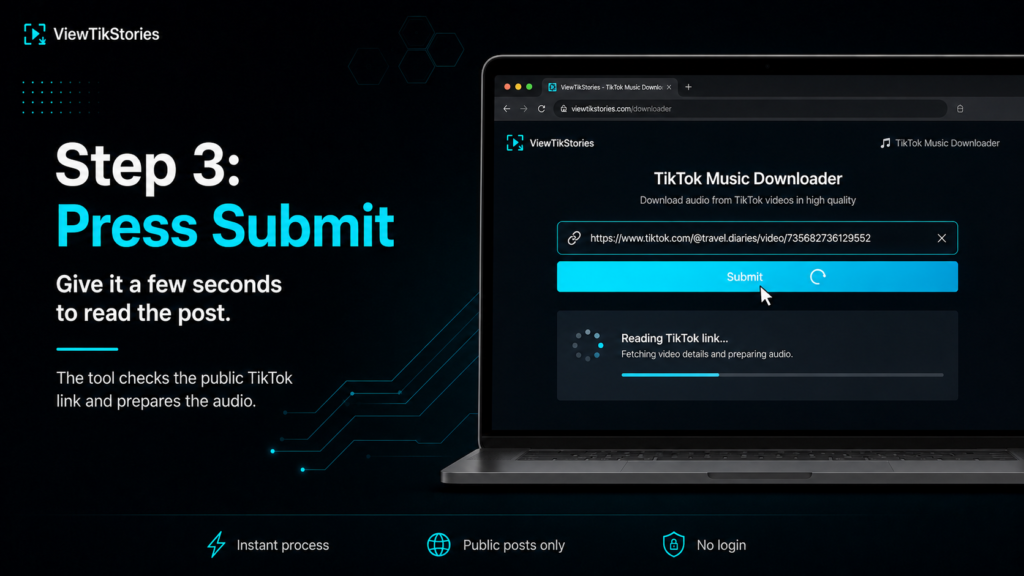
- Press submit and give it a couple of seconds to read the post.
- Choose the MP3 option and the audio saves on its own.
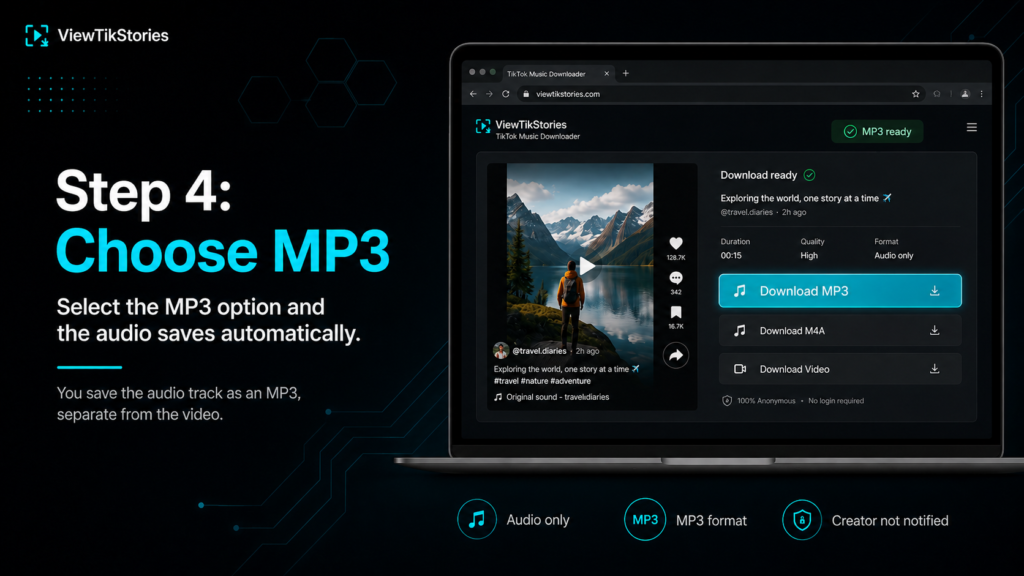
No login anywhere in that. The person who posted the video is never told.
What the MP3 Actually Contains
Here is the bit that surprises people.
You are not extracting the song. You are extracting the video’s audio track, which is everything you could hear while watching it, mixed together into one file.
- Background music, yes.
- The creator talking over it, also yes.
- Sound effects, laughter, a dog barking off camera. All of it.
- Whatever volume balance the creator set when they published.
So if you wanted a clean instrumental and the video had somebody narrating across the whole thing, the narration comes with it. There is no separating them afterwards without specialist tools. Even then the results are rough.
The fix is to pick a different video. Find one using the same sound with nobody talking over it and pull the audio from that instead. The guide ondownloading a TikTok sound as MP3 covers how to track down other videos using the same audio.
Where Your Link Came From Matters
Not every link behaves the same and this is where the process quietly fails.
- Share menu inside TikTok.The most reliable. Tap the arrow, then Copy link.
- A message from a friend.Usually fine. These are normally proper shared links.
- Browser address bar.Works. Open the post on tiktok.com and take the URL.
- Short vm.tiktok.com links.Fine. They resolve to the full post.
- A screenshot of a link.Obviously not. You need the text, not a picture of it.
One thing to watch. Links copied out of an in-app browser, the sort that opens inside Instagram or a chat app, are sometimes truncated or wrapped in tracking junk. If a link refuses to work, open the post properly and copy it fresh.
Trimming Down to the Part You Want
The file covers the whole video, start to finish. Often you only want six seconds of it.
- Phone.Most voice memo and video editing apps will trim an MP3 and export it again.
- Computer.Any free audio editor handles a trim in about thirty seconds.
- Ringtones.Android takes an MP3 directly. iPhone needs the file routed through GarageBand or a shortcut first.
Trim before you file it away rather than after. Future you will not remember which thirty second clip had the good bit in it.
Duets, Stitches and Reposts
Not every link points at a straightforward single video. The audio you get reflects that.
- A duet.Two videos side by side, one audio track. You get both creators mixed together, which is rarely what anybody wants.
- A stitch.The borrowed clip plays first, then the new one. The MP3 runs straight through both sections.
- A repost.The audio is identical to the original post, because a repost is the same video shared onward rather than a new upload.
If a duet or stitch is getting in the way, trace the sound back to the original video and pull the audio from there instead. Cleaner file, no second voice in it.
When the Audio Will Not Save
- The link is incomplete.Half a URL returns nothing. Copy it again from the Share menu.
- The post was deleted.A dead link cannot be revived by any tool.
- The account went private.Public posts only. Privacy settings can change after somebody sends you a link.
- Downloads are switched off.Creators control this. TikTok covers the setting in its guidance onmanaging video downloads. When it is off there is no way around it.
What You Can Do With the File
Saving audio for yourself is one thing. Publishing with it is where the rules bite.
TikTok’sterms of service and itscopyright policy both apply to content pulled off the platform. The creator owns their recording and the rights holder owns the music inside it.
- Personal listening and reference material are ordinary uses.
- Anything published, monetised or client-facing needs the rights checked first.
- Credit the creator when you share, especially if it is their own voice on the track.
TikTok Audio FAQs
Can I get just the music without talking?
Not from a video where both are mixed together. Find another video using the same sound without a voiceover on it.
Does the length match the video?
Yes. The audio runs exactly as long as the post it came from, which is usually shorter than the full song.
Will the creator be notified?
No. Nothing reaches their account and you are never signed in.
What if I want the video as well?
Paste the same link into thevideo downloader and save the MP4 instead.
Link In, Audio Out
Copy the link, paste it, take the MP3. Three moves and about ten seconds.
Just remember what you are getting. The whole audio track of that specific video, voiceover included, exactly as it was published. If that is not what you wanted, the answer is a different video rather than a different tool.
Open themusic downloader with your link ready. If you have a username rather than a link, thestory viewer and the other tools on the site start from there instead.