
You remember most of a TikTok username but not all of it. Maybe the first few characters. Maybe the ending. Maybe a distinctive fragment in the middle. TikTok’s search box takes exact handles well and complete names decently, but partial handles fall into an awkward middle zone where the app helps only inconsistently.
The workaround is to use the fragment as a clue rather than a complete query, combining it with other signals until the account surfaces. This guide covers how TikTok actually handles partial matches, five practical methods for finding accounts from fragments and how to reverse-engineer the common patterns creators use when picking handles.
Quick Answer
Type the partial username into TikTok’s search bar and switch to the Users tab. If nothing useful appears, try Google with site:tiktok.com followed by your fragment in quotes. A third-party TikTok username finder handles fuzzy matches better than TikTok’s own search. For handles you remember partially, try common variations that add periods, underscores or numbers around the base word, since those are the patterns most creators use.
What “Partial Username” Actually Means
The scenario has three common shapes. The right method depends on which one applies.
- Starting fragment.You remember the first few characters. Example: you know the handle starts with “jane_” but not what follows.
- Middle fragment.You remember a distinctive substring. Example: you know “creates” appears somewhere in the handle.
- Ending fragment.You remember the end. Example: you know the handle ends in “_official” or “.mp4”.
- Base plus pattern.You know the person’s nickname and can guess likely patterns around it.
Each of these needs a different approach. TikTok’s in-app search handles starting fragments best. Middle and ending fragments need Google search or third-party tools. Base plus pattern rewards knowing what conventions creators actually use.
How TikTok Search Handles Partial Matches
TikTok’s search documentation explains that the app matches queries against usernames and display names. What is not spelled out is that partial matches work as substrings on the beginning of usernames rather than anywhere inside them.
- Typing “jane” surfaces accounts whose usernames start with “jane” plus accounts with “jane” in the display name.
- Typing “creates” often misses accounts like @jane_creates because TikTok prioritises start-of-username matches.
- Case does not matter. Uppercase and lowercase produce identical results.
- Punctuation matters. Searching “jane_creates” and “janecreates” can return different sets.
- The Users tab is essential. Default results skew toward videos rather than profiles.
So the in-app search works for the starting-fragment case and struggles with the middle and ending cases. Those need a different tool.
The Five Practical Methods, Side by Side
This table matches the fragment shape to the method that works best for it.
| Method | Best when you know | Success rate |
|---|---|---|
| TikTok in-app search | A distinctive substring | Moderate for uncommon fragments |
| Google site:tiktok.com | Partial handle plus other context | High when combined with keywords |
| Third-party username finder | Fragment plus name or niche | High with combined signals |
| Common pattern variations | The base word or nickname | Depends on how creative the user was |
| Old handle recovery | A handle that used to work | Low, since old handles do not redirect |
No single method covers every case. Combining two or three usually finds the account faster than trying to make one method do everything.
Method 1: TikTok In-App Search
The first stop, especially for starting fragments.
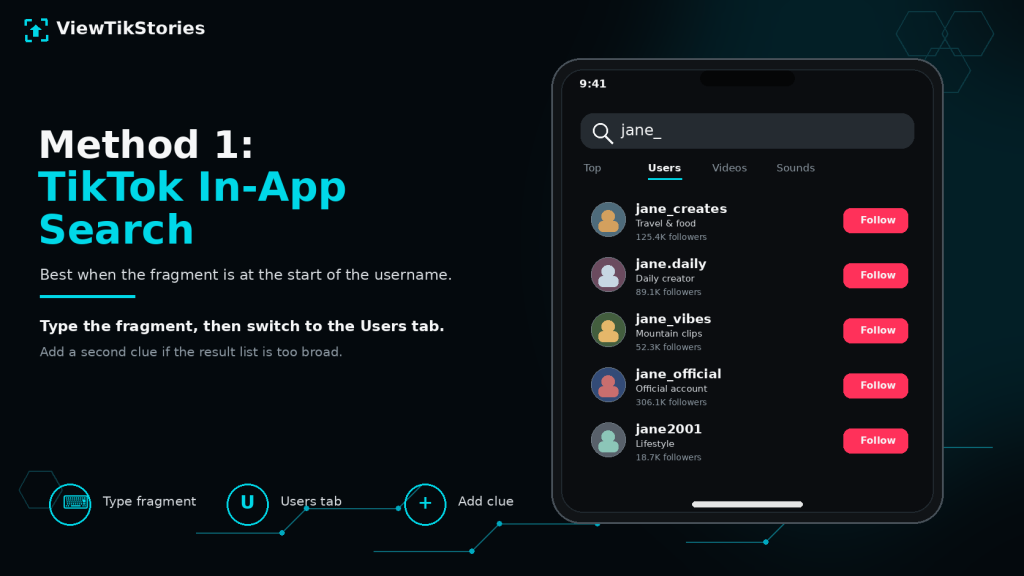
- Open TikTok and tap the Discover or magnifying glass icon.
- Type the fragment you remember.
- Wait for results, then switch to the Users tab.
- Scroll through the results looking for accounts that match your other clues about the person.
- Add a second search word if too many results appear.
- Works best when the fragment is at the start of the username.
- Struggles when the fragment sits in the middle or end.
- Case-insensitive but sensitive to punctuation.
- Results skew toward viral accounts, so accounts with few videos may be buried.
Method 2: Google With site:tiktok.com
The most powerful method for middle and ending fragments.
Google indexes public TikTok profiles and videos. Its search operators handle partial matching more flexibly than TikTok’s in-app search.
- Open Google in any browser.
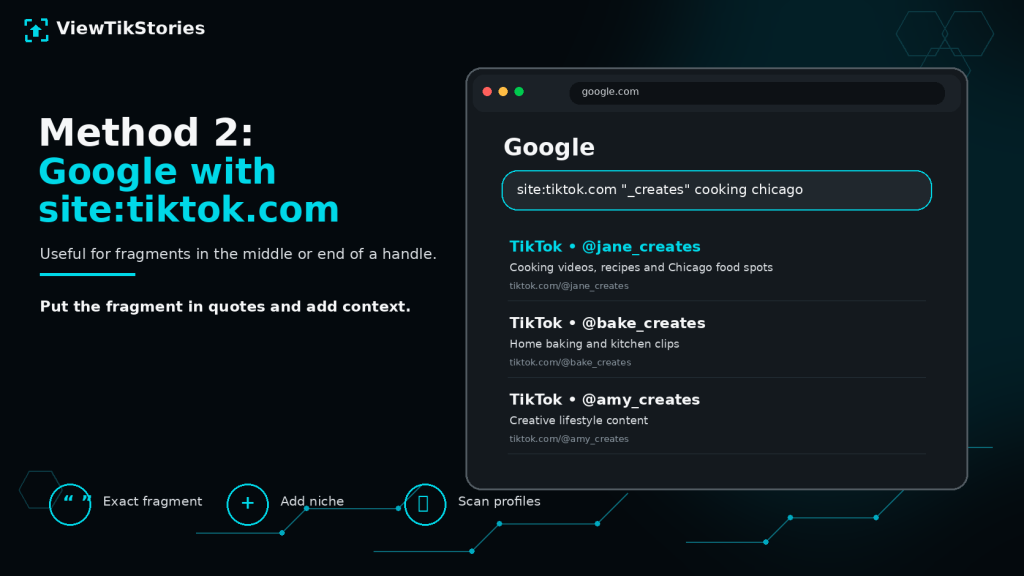
- Type site:tiktok.com followed by your fragment in quotes.
- Add other keywords you know about the person: their real name, city, niche or a topic they post about.
- Scan the results for TikTok profile URLs matching your criteria.
- Open promising results and verify the account matches other clues you have.
- Example query.site:tiktok.com “_creates” cooking Chicago
- Quotation marks matter.They force Google to match the exact fragment rather than approximations.
- Combining clues helps.A fragment plus a niche narrows results dramatically.
- Handles old references too.Google may have indexed a profile before a username change, which sometimes surfaces the current handle through associated pages.
Method 3: A Third-Party Username Finder
The route for cases where TikTok search fails and Google returns nothing useful.
Dedicated username finder tools take fuzzy input and match it against public TikTok accounts more aggressively than TikTok’s own search does. They handle partial matches, common misspellings and character variations that in-app search dismisses.
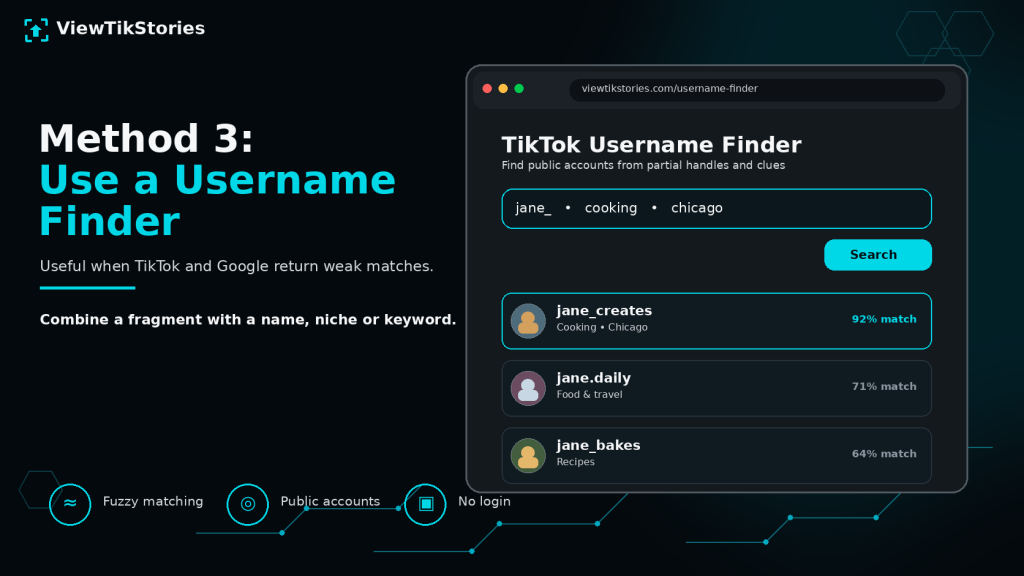
ATikTok Username Finder accepts a fragment along with any additional keyword you have and returns candidate accounts you can then verify.
- Handles middle and ending fragments better than TikTok in-app search.
- Combines fragment matching with name or keyword search.
- Returns only public accounts. Private accounts stay hidden regardless.
- No TikTok login required on your side.
Method 4: Reverse-Engineer Common Patterns
When you have the base word or nickname but not the exact handle, guessing likely patterns is often faster than searching.
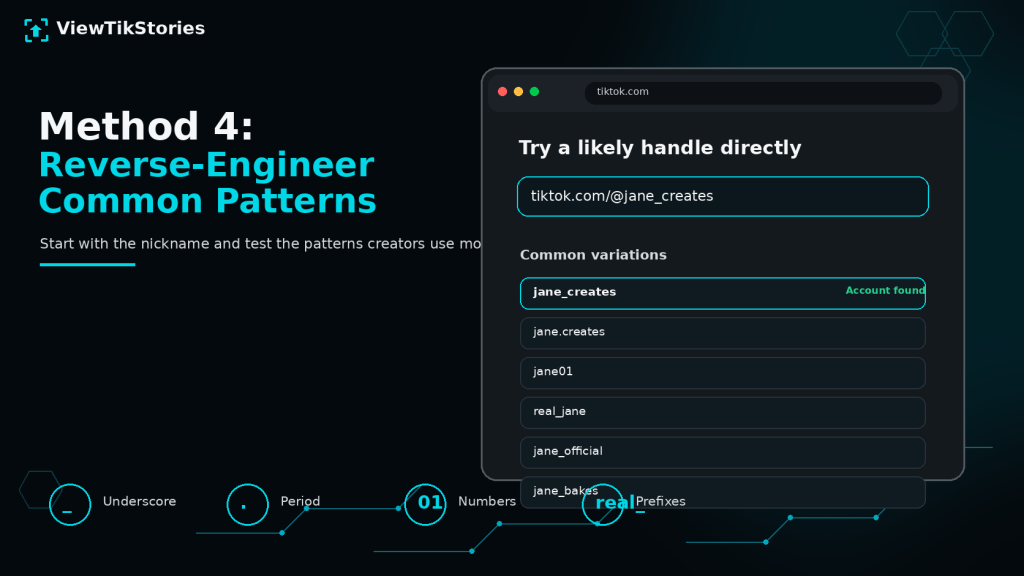
- Underscore separator.jane_creates, jane_official, jane_mp4
- Period separator.jane.creates, jane.official, jane.co
- Number suffix.jane01, jane99, jane1234
- Real prefix.real_jane, therealjane, itsjane
- Official prefix.official_jane, jane_official, jane_hq
- Niche suffix.jane_bakes, jane_lifts, jane_music
Try each variation as tiktok.com/@variation directly in a browser. Existing accounts load. Non-existent ones return a not-found page. Working through 10 to 15 variations takes about a minute and often finds the handle when search failed.
Method 5: Handle Change Detection
The hardest case. If the fragment you remember is from an old username and the person renamed, no direct search will find them.
TikTok’susername documentation notes that TikTok allows one username change per 30 days and that old handles do not redirect to the new one.
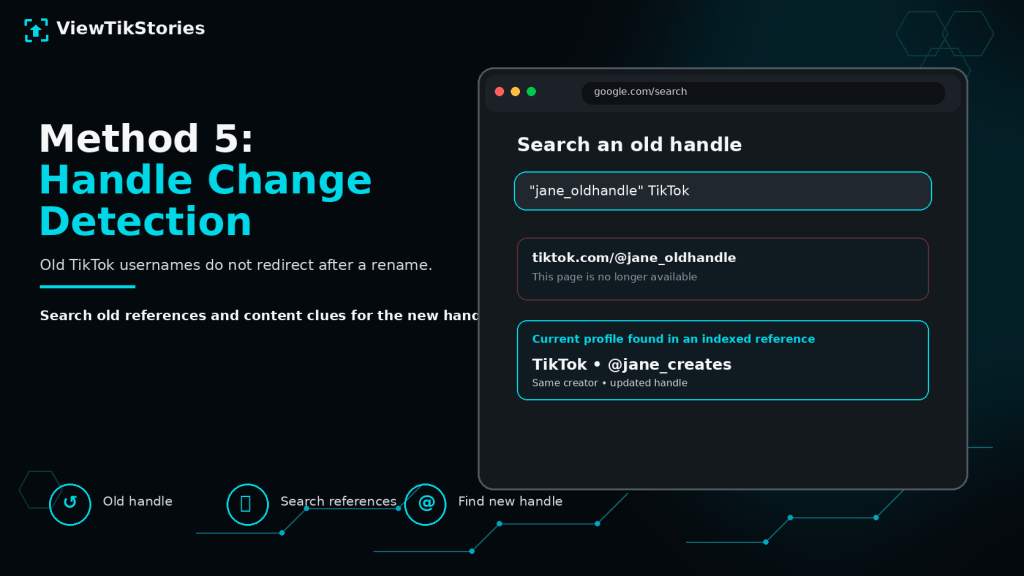
- Old handle returns nothing.The URL tiktok.com/@oldhandle returns a not-found page after the rename.
- Old handles may be recycled.Somebody else may have taken the old handle after it was released.
- Cross-platform links may still work.If the person linked their old TikTok handle in an Instagram or YouTube bio, the current bio may show the new handle.
- Content clues survive.If you saw specific videos before the rename, searching for the video content on TikTok may surface the account under its new name.
Character Variation Strategies
TikTok usernames have specific character conventions worth knowing.
- Allowed characters.Letters, numbers, periods and underscores. Nothing else.
- Length.2 to 24 characters.
- Case handling.TikTok stores usernames as they were entered but treats them case-insensitively for searches.
- Consecutive punctuation.Some accounts use double punctuation like “.._name” or “name..”. Try these variations too.
- Common substitutions.Letters swapped for numbers, like 3 for e or 1 for i. Example: “jan3_cr3ates”.
When guessing variations, work through combinations of these systematically rather than randomly.
Verifying the Right Account
Partial searches often return several plausible candidates. Verification checks distinguish the real account from lookalikes.
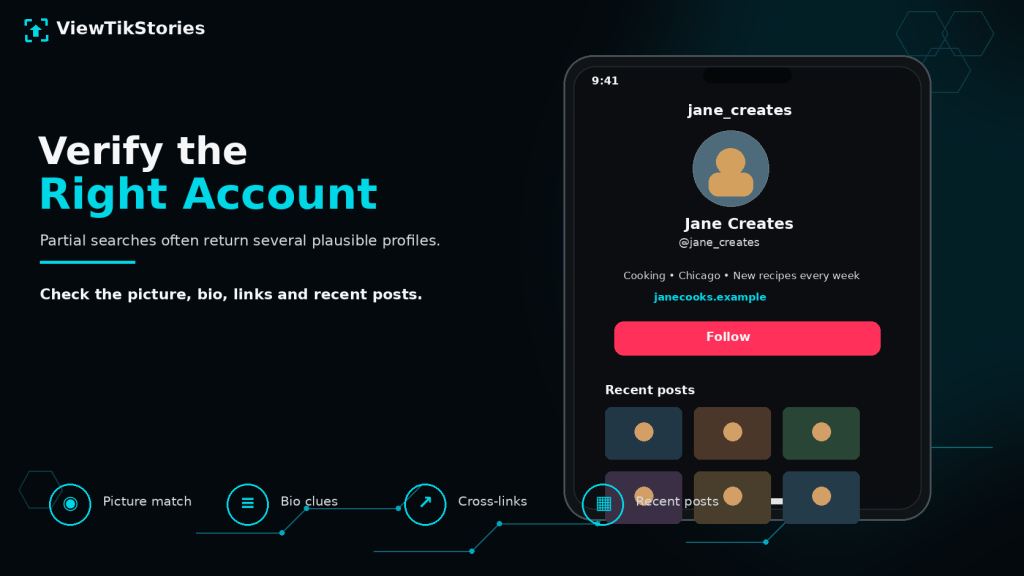
- Profile picture match.Compare with a photo you know the person uses elsewhere.
- Bio content.Personal details, links or self-description usually confirm identity.
- Recent posts.Content style, tone and topics should match what you know about the person.
- Cross-platform verification.If the bio links to Instagram, YouTube or a website, cross-check that those accounts belong to the same person. TikTok’s Find Friends feature also matches by phone contacts if you have the person’s number.
- Follower count context.Fan accounts sometimes have huge follower counts. A modest count often means a real personal account.
- Post frequency.Active accounts post regularly. Dormant ones may be old accounts of the person you were looking for.
When Nothing Finds the Account
Five scenarios where partial username searches genuinely cannot recover the account.
- Account is private.Private accounts appear less prominently in search and do not show up in third-party fuzzy matching.
- Account was deleted.Deletion removes the handle from TikTok’s public data entirely.
- Account was banned.Community Guidelines removals take the profile offline.
- Handle changed multiple times.Old fragments become useless if the current handle bears no resemblance to any past version.
- The person never had TikTok.Sometimes the fragment you remember is from a different platform entirely.
If two or three methods have failed, one of these is usually the reason. Asking the person directly is often faster than another round of searching.
Practical Search Combinations
The methods work better in combination than individually.
- Start with TikTok in-app search on the fragment.
- If nothing useful appears, try Google with site:tiktok.com and the fragment in quotes.
- If Google also fails, add other keywords: name, city, niche, topic.
- If combined search still returns nothing, try common pattern variations directly via tiktok.com/@variation.
- If everything above fails, use a third-party username finder with all the fragments and keywords together.
Working through this progression usually finds an account within five minutes. If it takes longer, the account is either private, deleted, banned or on a different platform.
TikTok Partial Username FAQs
Can I find an account if I only remember part of the username?
Often yes. TikTok in-app search handles starting fragments well. Google with site: operator handles middle fragments better. Third-party tools handle fuzzy matching most flexibly.
Why do TikTok searches ignore fragments in the middle of usernames?
TikTok’s search algorithm prioritises start-of-username matches. Middle-of-username matching is inconsistent, which is why Google or third-party tools work better for that case.
Will TikTok tell me if a username exists but is private?
Sort of. Private accounts appear in search results with limited information. The handle exists but their content stays hidden.
Can I search by old usernames?
TikTok does not maintain a search index of old usernames. If the person renamed, only the current handle is searchable through the platform.
One Fragment, Five Approaches, One Handle Found
Partial username searches on TikTok reward combining methods rather than relying on any single one. TikTok in-app search covers starting fragments. Google covers middle and ending ones. Third-party finders handle fuzzy cases. Pattern reverse-engineering catches variations the search cannot. Cross-platform verification confirms the match.
The right sequence usually finds the account in under five minutes even when the fragment you remember is small. And when it fails, the failure itself is usually informative, pointing toward one of the honest limits: private, deleted, banned, renamed or on a different platform entirely.