
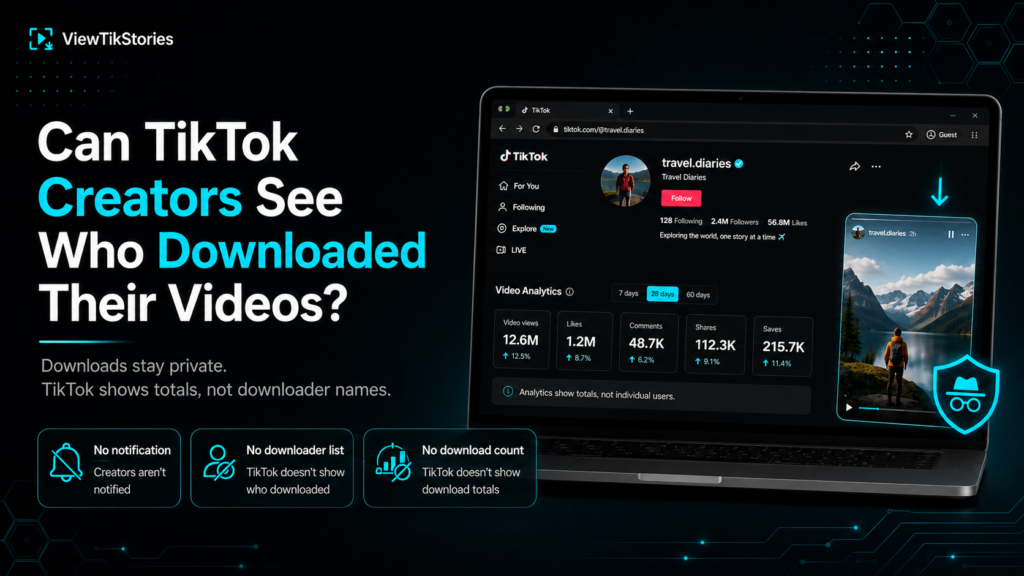
No. There is no list, no notification and no way for a creator to find out who saved their video.
That much is simple. What confuses people is everything sitting next to it, because some actions on TikTok are completely invisible. Some show up as a number with no name attached. And a couple put your username directly in front of the creator.
Knowing which is which is the actually useful part.
Every Action, Side by Side
| Action | They get notified | They see a count | They see your name |
|---|---|---|---|
| Downloading a video | No | No | No |
| Saving to favourites | No | Yes | No |
| Sharing a video | No | Yes | No |
| Liking or commenting | Yes | Yes | Yes |
| Visiting their profile | No | Sometimes | Only if both opted in |
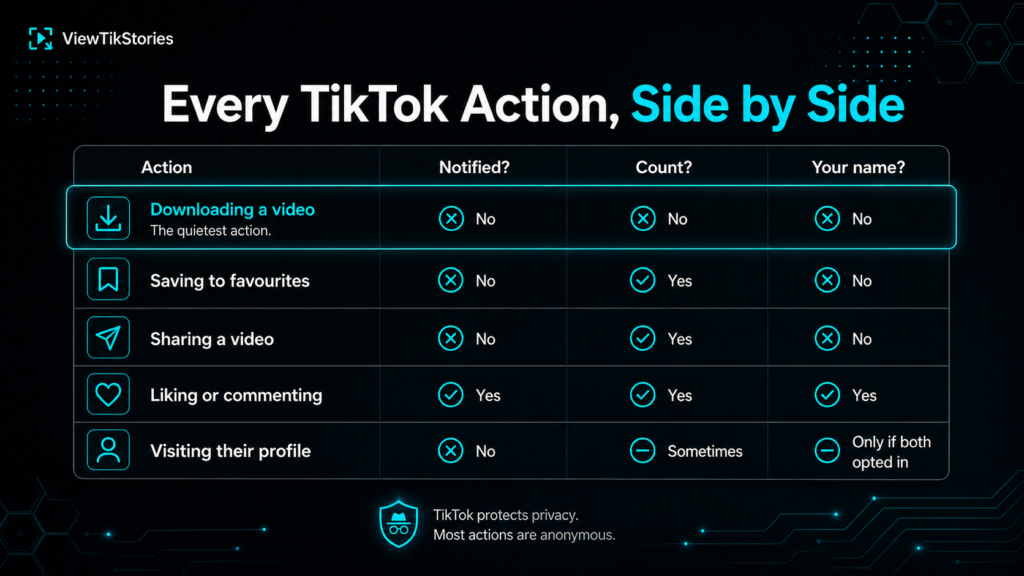
Downloading is the only row that is invisible in all three columns.
What Creators Actually See in Analytics
Creators do get data. TikTok’screator tools include analytics covering views, engagement and follower numbers. Those figures update as people interact with a post.
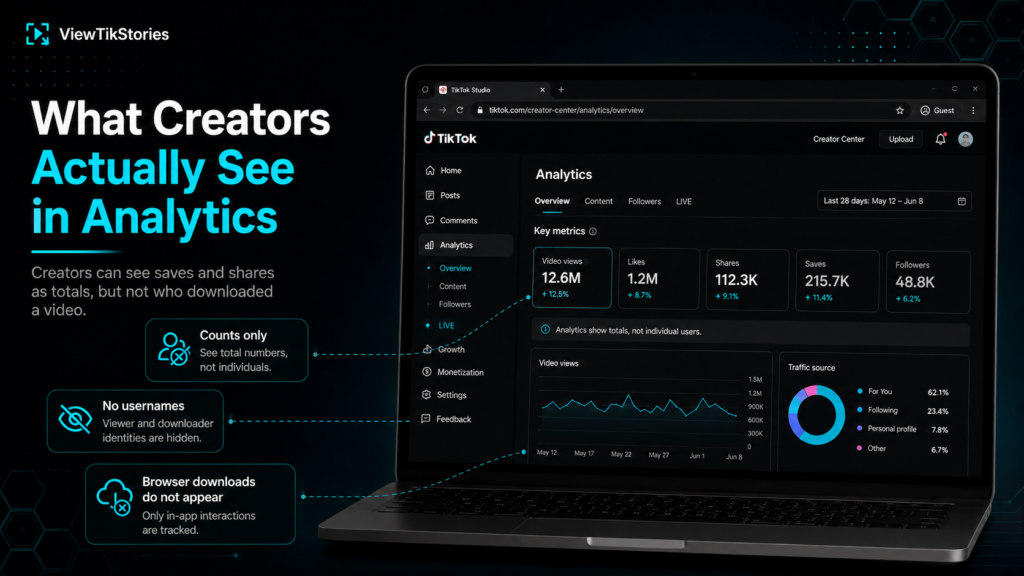
But every one of those metrics is a total. A creator opening analytics sees how many people saved a video. They do not see a single username next to it.
- Save counts appear as a number with no identities attached.
- Share counts work the same way.
- Downloads made through a browser tool do not register in TikTok analytics at all.
So the honest version of the answer is not simply no. It is that they can see the scale of interest without seeing who is behind it.
Downloading, Saving and Sharing Are Three Different Things
People use these words interchangeably and they behave very differently.
- Downloading.The file lands on your device. It leaves TikTok entirely and nothing is reported.
- Saving to favourites.The video stays inside TikTok in your own collection. The creator sees the save count rise by one.
- Sharing.You send it onward. The count moves, your name does not appear.
If you are worried about being noticed, downloading is quieter than favouriting. Favouriting nudges a public number upwards, even though nobody can trace it to you.
What TikTok Does Notify Creators About
Plenty. This is where your username genuinely does show up.
- Likes on their videos.
- Comments and replies.
- New followers.
- Mentions and tags.
- Duets and stitches built on their content.
A like is a far bigger giveaway than a download. It arrives as a notification with your handle on it. It also stays visible in their activity feed afterwards.
Profile Visits Are the One Exception
This is the part worth understanding properly, because it is the only place a viewer can be identified.
TikTok runs apost and profile view history feature. When it is switched on, you can see who has visited your profile. They can see when you visit theirs.
The important detail is that it only works when both people have it enabled. Switch it off and you stop appearing on other people’s lists, though you also stop seeing your own visitors.
The full breakdown sits in the guide onwhether someone sees you viewing their profile. Nothing about it applies to downloads.
The Watermark Is the Real Trace
Here is the thing almost nobody mentions. It matters more than any notification.
A video saved through the TikTok app comes out with the creator handle and the TikTok logo burned into the picture. Not an overlay you can peel off later. Part of the frames themselves.
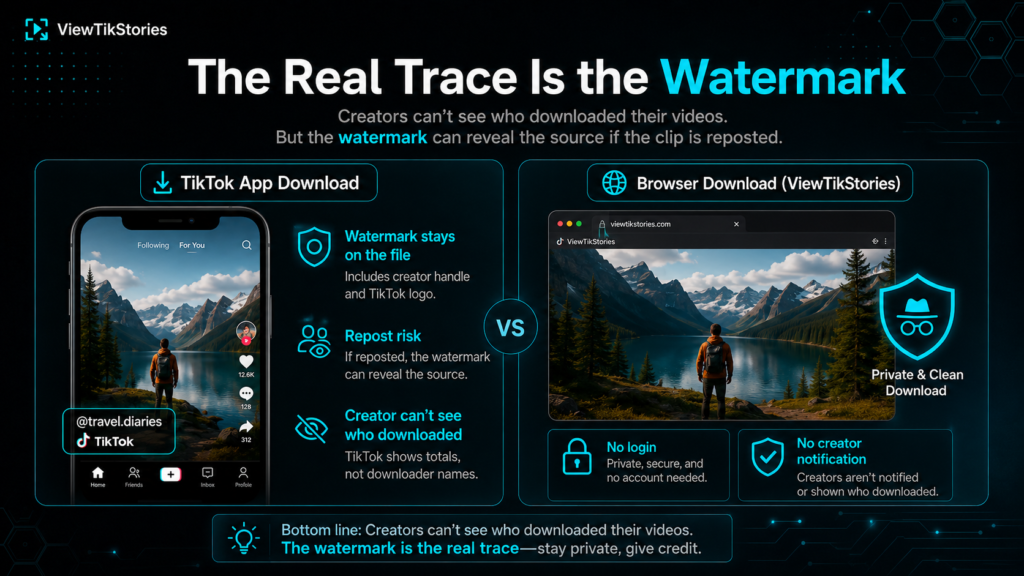
- The creator cannot see that you downloaded it.
- They can absolutely recognise their own watermark if the clip resurfaces.
- Anyone else watching can read the original handle straight off the video.
So downloading is private. Republishing is not, because the file carries a signature wherever it goes. Thewatermark guide explains how the two versions differ.
Do Browser Downloaders Change Anything?
They sit even further outside TikTok’s view.
A browser tool reads the public post rather than acting through your account. You are never signed in, so there is nothing for TikTok to attach to you. When youdownload TikTok videos this way, the creator receives no notification and no analytics entry appears.
- No login and no account of your own.
- Public posts only. Private accounts stay closed.
- Nothing reaches the creator at any stage.
Creators can also switch downloads off entirely for their own videos, which TikTok covers in its guidance on managing video downloads.
Invisible Is Not the Same as Permitted
Worth saying plainly on a page like this.
The creator still owns what they made. TikTok’sdownload settings exist precisely so creators can express a preference about it.
- Saving something for personal reference is ordinary.
- Reposting somebody else’s video as your own is not.
- Commercial use needs permission first.
- Credit the creator whenever you share.
TikTok Download Privacy FAQs
Will the creator know I downloaded their video?
No. There is no notification and no list of downloaders anywhere in the app.
Can they see a download count?
They see saves and shares as totals. Browser downloads do not register at all.
Does screen recording show up?
No. TikTok does not detect screen recording and tells nobody about it.
What is the most visible thing I can do?
Liking or commenting. Both put your username directly in their notifications.
Quiet, but Not Untraceable
Nobody finds out you downloaded a video. The creator sees totals rather than names. A browser download does not even move those.
What does travel is the watermark. Save through the app and the creator handle rides along inside the picture, which is why the question of who downloaded it usually matters far less than what happens to the file afterwards.
TheTikTok video downloader takes a post link and returns a clean file. Theprofile viewer andstory viewer work the same anonymous way.