
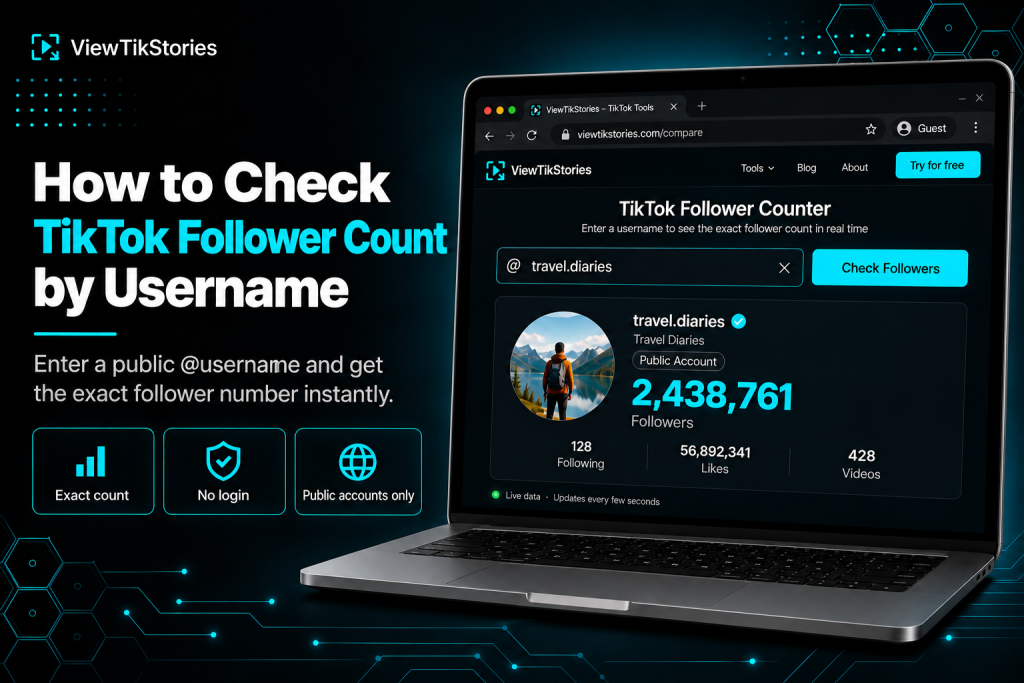
Checking your own TikTok follower count is easy. TikTok Studio shows it clearly. Checking somebody else’s is harder than it should be. The app rounds numbers past a certain size, hides some accounts behind sign-in prompts and never displays exact figures for anyone but the account holder themselves.
Which turns a simple question, “How many followers does this creator actually have?”, into a task that needs the right tool. This guide covers how to check any public TikTok account’s follower count with just a username, why exact numbers matter for research and partnerships and how to interpret the number once you have it.
Quick Answer
Open a browser-based TikTok follower counter and type in the username. The tool returns the exact current follower count for any public TikTok account, without the K or M rounding the app displays. No TikTok account is required on your side. The account holder receives no notification. Works only on public accounts, since private ones do not expose follower data externally.
Why Exact Numbers Matter
The rounding TikTok displays looks harmless but has real consequences.
- Partnership deals.A creator listed as “1.2M followers” could have anywhere from 1,150,000 to 1,249,999. At per-follower influencer rates, that 100,000-follower range translates to thousands of dollars in either direction.
- Milestone tracking.Watching a creator approach 100K is meaningful. Watching them cross into “100K” as a rounded number tells you nothing about whether they hit the actual milestone yesterday or two weeks ago.
- Growth comparisons.Comparing two accounts both listed as “1.3M” is impossible without exact numbers. One might be 1,250,000. The other might be 1,349,999.
- Analyst reporting.Research citing “approximately 1.3 million” reads as lazy. Research citing “1,342,567 as of a specific date” reads as precise.
The rounded numbers exist because TikTok’s interface is optimised for scrolling, not for research. Browser tools that pull exact numbers exist because researchers, marketers and analysts need precision.
The Username-Only Workflow
The workflow is short.
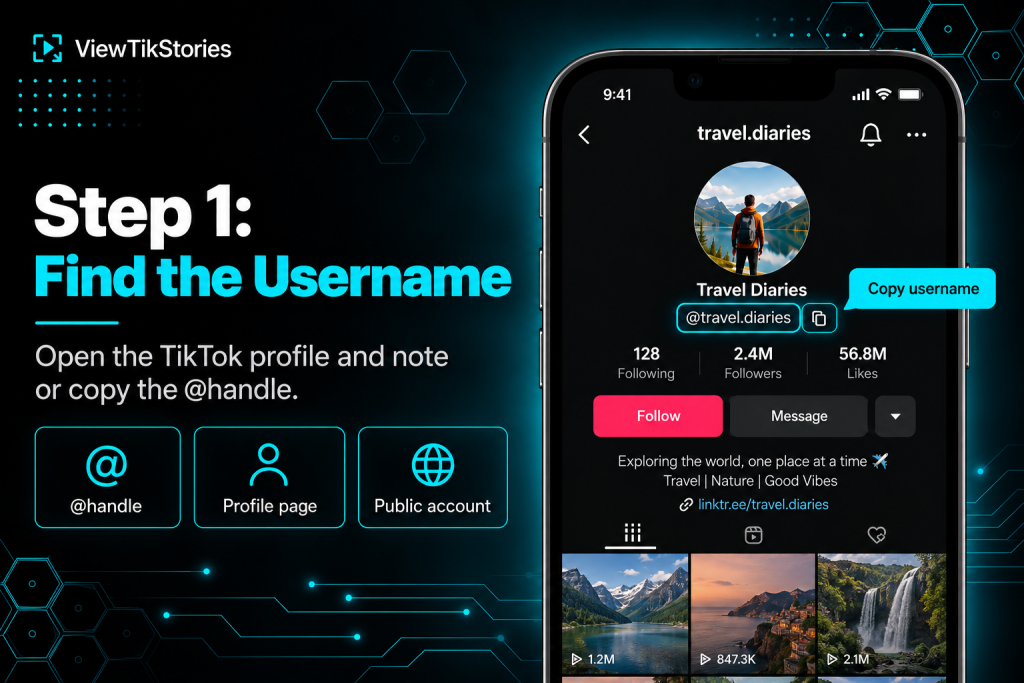
- Find the TikTok account you want to check. Note the username or copy the @handle.
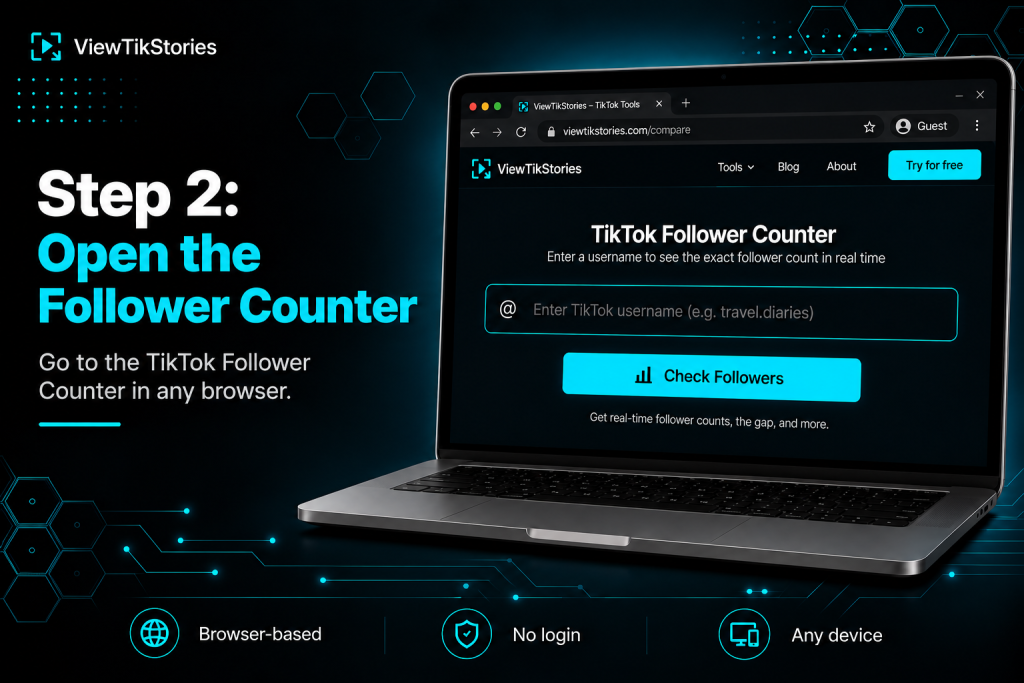
- Open aTikTok Follower Counter in any browser.
- Type the username into the input field. Use with or without the @ symbol.
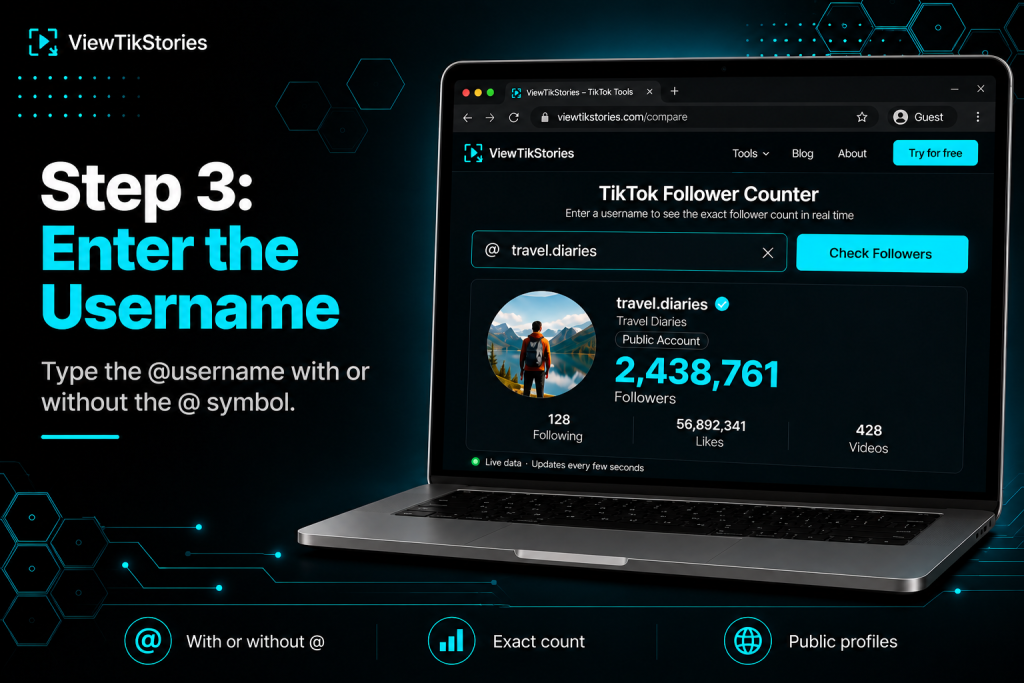
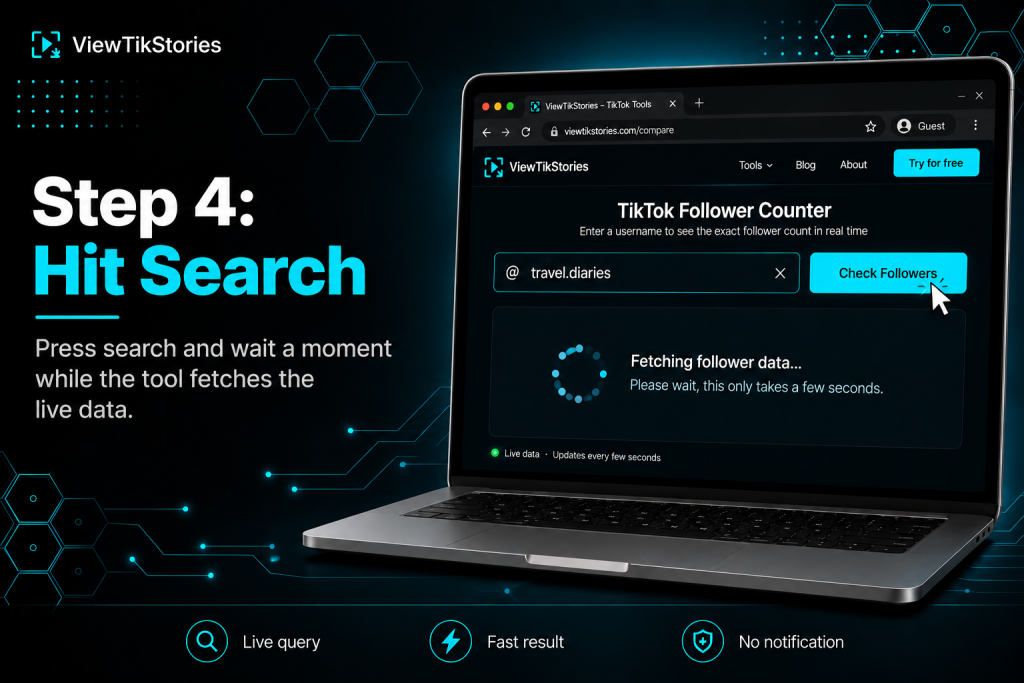
- Hit search and wait a moment for the tool to fetch the data.
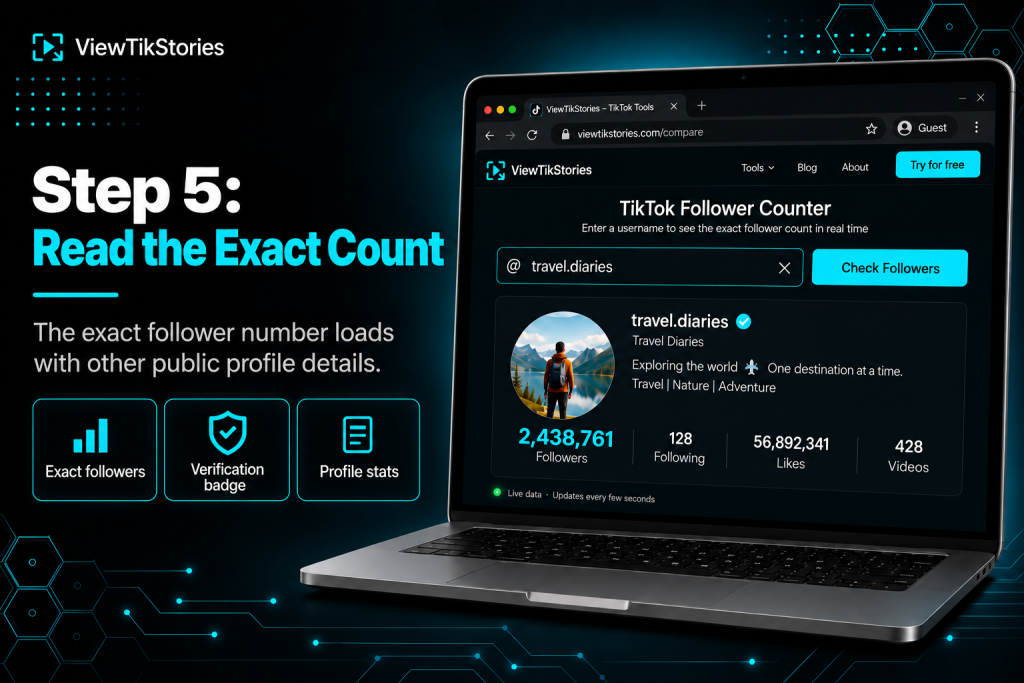
- The exact follower count loads along with other public profile data.
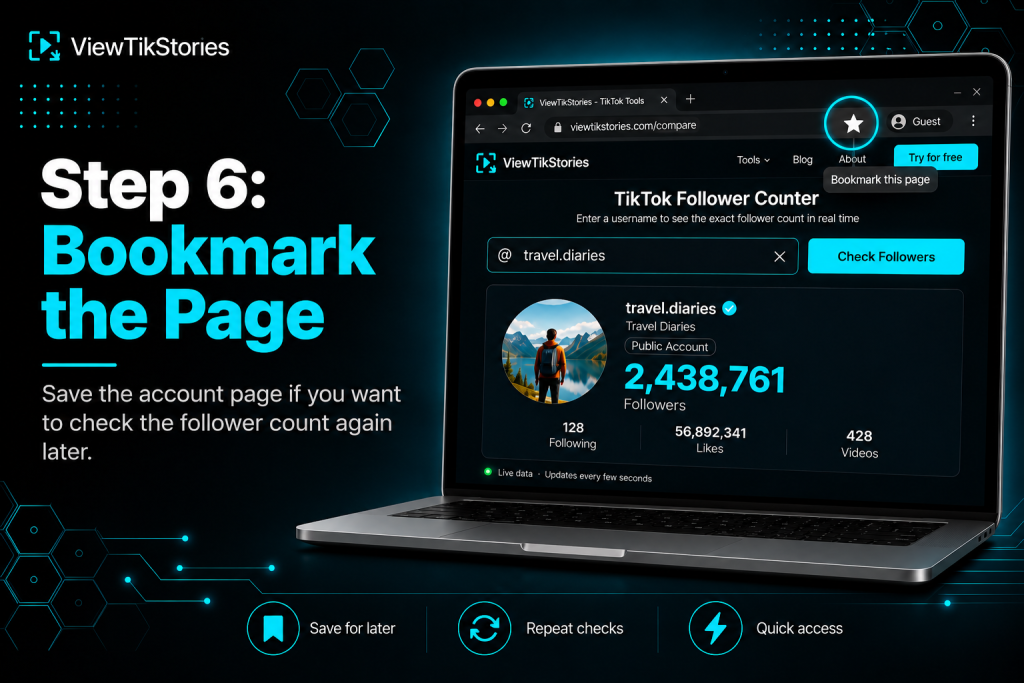
- Bookmark the page for that account if you plan to check it again later.
- No TikTok login required.
- No app to install.
- Works identically on iPhone, Android, Windows, Mac and Chromebook.
- The account holder receives no notification.
What the Tool Actually Shows You
A good follower counter delivers more than just the follower number. This table breaks down the fields worth paying attention to.
| Data field | What it tells you | Why it matters |
|---|---|---|
| Exact follower count | Real number, no K/M rounding | Precision for deals and reporting |
| Following count | Who they follow | Follow-to-follower ratio signals |
| Total likes across videos | Cumulative engagement over time | Context for count size |
| Video count | How much they have posted | Reveals prolific vs sparse accounts |
| Verification badge | Blue checkmark or not | Distinguishes real from impersonation |
| Bio and profile picture | Self-description and identity | First-check authenticity signals |
The verification badge in particular matters when checking accounts claiming to be public figures or brands. Blue checkmarks distinguish real accounts from impersonators.
The One Data Field That Changes Everything
The verification badge is the single most important signal beyond the number itself.
TikTok’s impersonation policy documentation covers what counts as impersonation and how to report it. For anyone checking whether an account claiming to be a public figure or brand is actually them, the blue checkmark is the strongest single signal available externally.
- Real accounts of public figures usually have the verification badge.
- Impersonator accounts almost never do.
- Some legitimate accounts remain unverified, so absence of a badge is not proof of impersonation on its own.
- Combined with follower count, badge status is a strong first-check signal for authenticity.
Follower Count Is One Signal, Not Everything
This is worth flagging because the number alone can mislead.
- Engagement rate matters more than raw followers.An account with 100,000 highly engaged followers often outperforms one with 1 million disengaged followers on real business metrics.
- Growth trajectory matters more than the current number.An account gaining 5,000 followers weekly is often more valuable than one sitting on a static big number.
- Follower quality varies wildly.Bot followers, inactive accounts and purchased followers all inflate the number without adding real reach or engagement.
- Follow-to-follower ratio hints at authenticity.A creator with 500K followers who follows 300K accounts back looks different from one who follows 500. The former looks like a follow-back growth strategy. The latter looks like organic growth.
- Video count context.An account with 500 videos and 100K followers has a very different profile than one with 10 videos and the same followers.
The follower count is one data point in a picture. A useful research workflow combines it with these other signals rather than treating it in isolation.
Tracking Growth Over Time
Weekly or monthly follower snapshots build the picture single-moment checks cannot.
- First-check snapshot.Note the count today. Timestamped.
- Weekly follow-up.Same time next week. Note the difference.
- Growth rate calculation.Percentage change per week or month. Reveals whether the account is growing, flat or shrinking.
- Growth acceleration.Second-week growth compared to first-week growth tells you whether the trajectory is speeding up or slowing down.
- Comparison across accounts.Tracking multiple accounts weekly reveals who is genuinely on a rising trend versus who is coasting.
TikTok’s built-in TikTok Studio analytics offers this data for your own account. For anybody else, external tools are the route.
Common Use Cases for Checking Other Accounts
The reasons people check somebody else’s follower count are usually practical rather than casual.
- Brand partnership vetting.Confirming a creator’s claimed audience size before committing to a paid collaboration. Exact numbers matter here because partnership rates scale with audience.
- Competitor tracking.Following how competing brands or creators in your niche are performing over time.
- Fake follower detection.An account claiming 1M followers with a follow-to-follower ratio suggesting bought followers, low engagement rate and no verification badge is a red flag.
- Journalism research.Reporters verifying public claims about audience size made by public figures.
- Investment research.Analysts studying creator-economy trends need precise data points for reports.
- Personal curiosity.Sometimes you just want to know how big your favourite creator actually is.
Verifying Claimed Follower Counts
The gap between claimed and actual audience size is one of the most common sources of dispute in creator partnerships.
- Note the follower count the creator states in their media kit or pitch.
- Check the exact count through a browser follower tool.
- Compare the two numbers.
- Small variance (under 5%) is normal. Large variance is worth asking about.
- Very large variance (over 20%) may indicate outdated media kit or intentional inflation.
- Follow up with the creator about the current number before signing.
This check takes less than a minute and prevents partnership disputes down the line. For agencies vetting multiple creators, it is worth building into the standard workflow.
When the Follower Count Does Not Load
Five common reasons a check returns no data.
- Account is private.Private accounts do not expose follower data externally.
TikTok’sprivate account documentation explains that private accounts restrict access to approved followers only.
- Username was mistyped.Case does not matter, but periods, underscores and numbers do.
- Account was deleted or banned.Removed accounts return no data at all.
- Regional restriction.Some accounts are unavailable in specific countries.
- Username was changed.Old handles stop working the moment the rename happens.
None of these are tool bugs. They reflect what TikTok itself makes available for the account.
The Line Between Research and Surveillance
Being honest about the ethical dimension.
- One check is research.You wanted to know a number, you looked it up, done.
- Occasional checks are tracking.Monitoring competitor growth weekly is standard business practice.
- Constant checks on a specific individual is something else.Especially on a personal rather than brand account, repeated frequent monitoring crosses into territory worth thinking twice about.
- Public data is public.The information is available. Checking it does not notify anyone. That does not make every use of that access reasonable.
For brand accounts, celebrities, businesses and public figures, follower tracking is standard research. For personal accounts of individuals you do not have a professional relationship with, the calculus is worth considering.
Cross-Platform Verification
For thorough research, the TikTok follower count is one data point in a wider picture.
- Instagram follower count for the same creator, if they cross-post.
- YouTube subscriber count if they have a channel.
- X (formerly Twitter) follower count if applicable.
- Newsletter subscribers if they publish externally.
- LinkedIn connections for professional creators.
Comparing across platforms reveals which platform the creator invests in most, which audience segment they reach and where their true influence sits. TikTok follower count in isolation misses this context.
The Live Count vs Stored Count Distinction
One technical detail worth naming.
- Live count.The tool queries TikTok’s public data at the moment you check. This is what most reliable follower counters return.
- Stored count.Some tools cache follower data and return the last-known number rather than the current one.
- Refresh rates.Live counters can refresh every 5 to 15 seconds when you want to watch a milestone happen in real time.
- Testing which type.If two consecutive checks return identical numbers seconds apart with no change, the tool may be using cached data rather than live queries.
For most research use cases, either works. For live tracking during a viral moment or milestone crossing, live counters are the ones to use.
Follower Count Check FAQs
Do I need a TikTok account to check somebody else’s follower count?
No. Browser tools work without any TikTok account on your side.
Will the account holder know I checked their follower count?
No. TikTok does not notify anyone when their public data is accessed through external tools.
Why do two different tools sometimes show different numbers?
Different tools refresh at different rates. One checking a moment later than another can catch a slightly different snapshot of a moving number.
Can I check follower counts of private accounts?
No. Private accounts do not expose follower data externally regardless of the tool used.
One Username, One Exact Number, One Clear Answer
Checking a TikTok account’s follower count from just a username sounds trivial and is trivial in execution. The value comes from what the exact number enables. Precise partnership deals. Accurate growth comparisons. Verified claims. Trustworthy research. Reliable competitor tracking.
None of these are possible from the rounded numbers TikTok itself displays. All of them become possible from a two-second browser check. For anyone whose work involves creators, brands or platform research, that check is worth the small effort of running properly.