
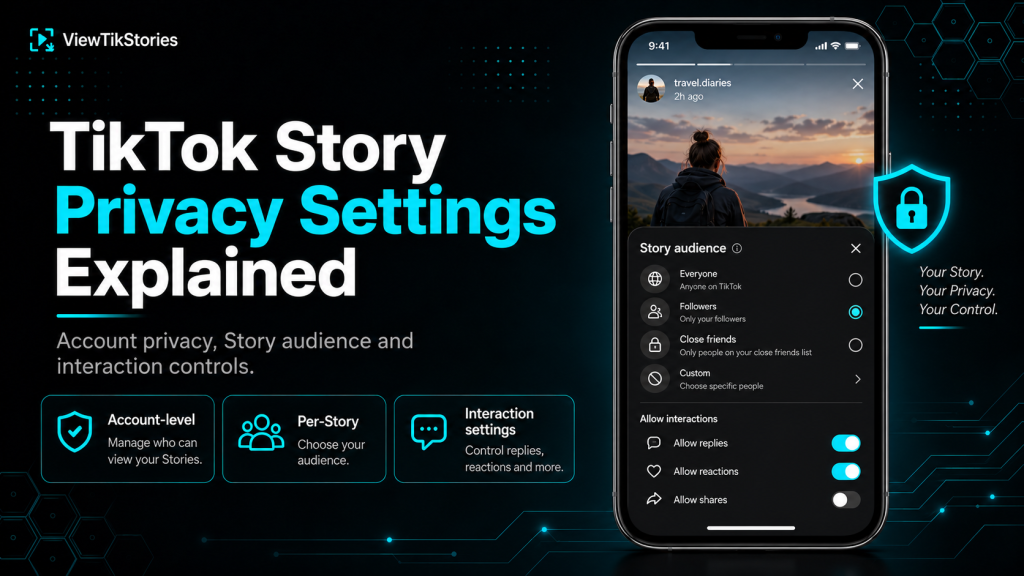
TikTok Stories carry three separate layers of privacy control. Most people only set one of them, which is why so many end up either sharing more than they intended or hiding from an audience they wanted to reach.
The three layers work independently. Your account-level privacy. The per-Story audience picker. And the interaction settings that decide who can comment, download or interact with a Story once it goes live. Getting them right takes about a minute, once you know what each one actually does.
Quick Answer
TikTok Stories inherit your overall account privacy first. Public accounts show Stories to everyone unless changed per post. Private accounts limit Stories to approved followers by default. On top of that, each individual Story can be set to Everyone, Friends or Only You when you post it. And separate toggles control who can comment, download or duet. Change the account setting once, then use the per-Story picker for anything that needs a different audience.
The Three Layers, Side by Side
This is the framework that makes everything else click into place.
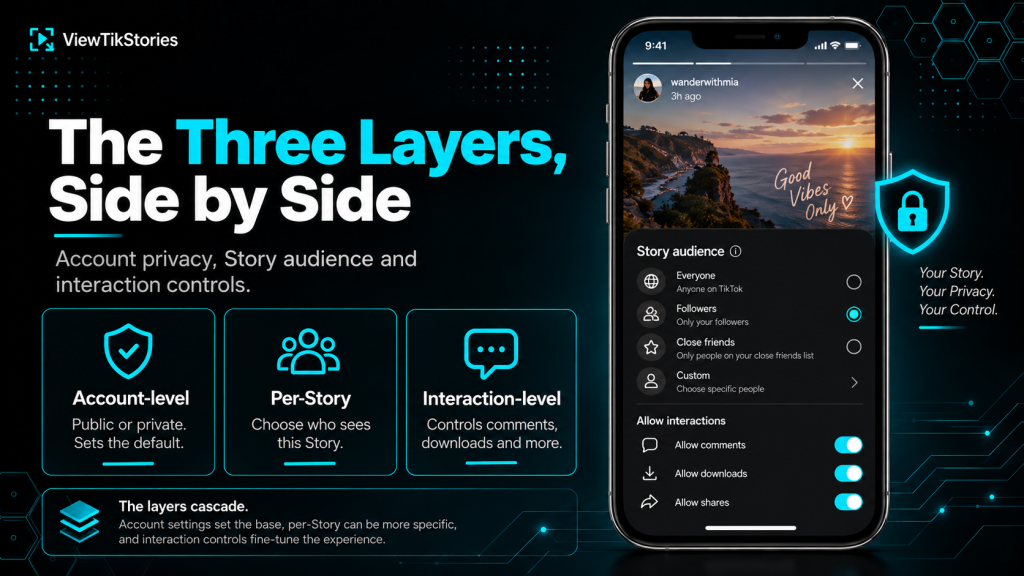
- Account-level.Public or private. Set once in Settings and applies as the default for everything you post.
- Per-Story.The audience picker on the post screen. Overrides the account setting for that specific Story only.
- Interaction-level.Comment permissions, download toggles, duet and stitch options. Set globally in Settings or adjusted per Story.
The layers cascade. Nobody outside your approved followers can see a Story on a private account, no matter what the per-Story picker says. Within that ceiling, per-Story controls narrow the audience further.
Story Privacy Options by Account Type
| Setting | Public account choice | Private account choice |
|---|---|---|
| Who can view | Everyone / Friends / Only You | Followers / Friends / Only You |
| Who can comment | Everyone / Friends / No one | Followers / Friends / No one |
| Downloads | On or Off per Story | On or Off per Story |
| Duets and Stitches | Everyone / Friends / Off | Not available on private accounts |
| View history | On or Off (two-way toggle) | On or Off (two-way toggle) |
That table shows the full set of options depending on whether your account is public or private.
The Account-Level Setting
TikTok’sprivate account documentation covers the switch that changes everything. Settings, then Privacy, then Private account toggle.
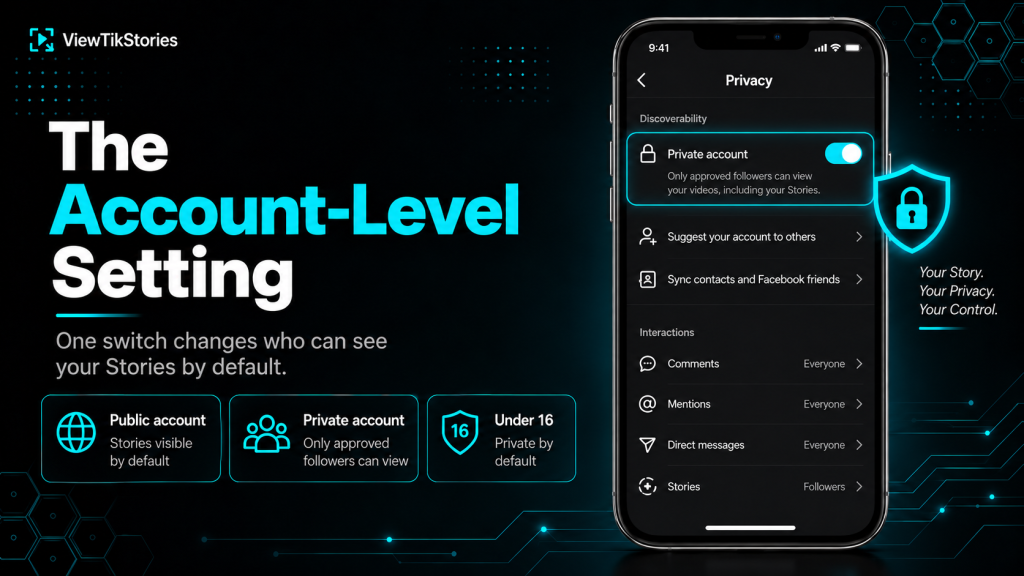
Turning it on flips a switch for the whole account. New follow requests require approval. Existing followers stay unless you remove them. Only approved followers see any of your content including Stories.
- Public account.Anyone on TikTok can see your Stories by default. Anyone on the wider web can potentially see them through search and embeds.
- Private account.Only approved followers see anything. Non-followers see your avatar, display name and follower count and nothing else.
- Under 16.TikTok automatically sets accounts belonging to users under 16 to private, with limited ability to change that until they age up.
- Under 18.Post privacy options are restricted. Some content types default to friends-only regardless of account type.
The Per-Story Audience Picker
This is where most of the nuance sits. It lives on the post screen itself rather than in Settings.
TikTok’spost privacy settings page covers the picker that appears when you go to publish a Story. Tap the audience option before hitting Post and choose from the available list.
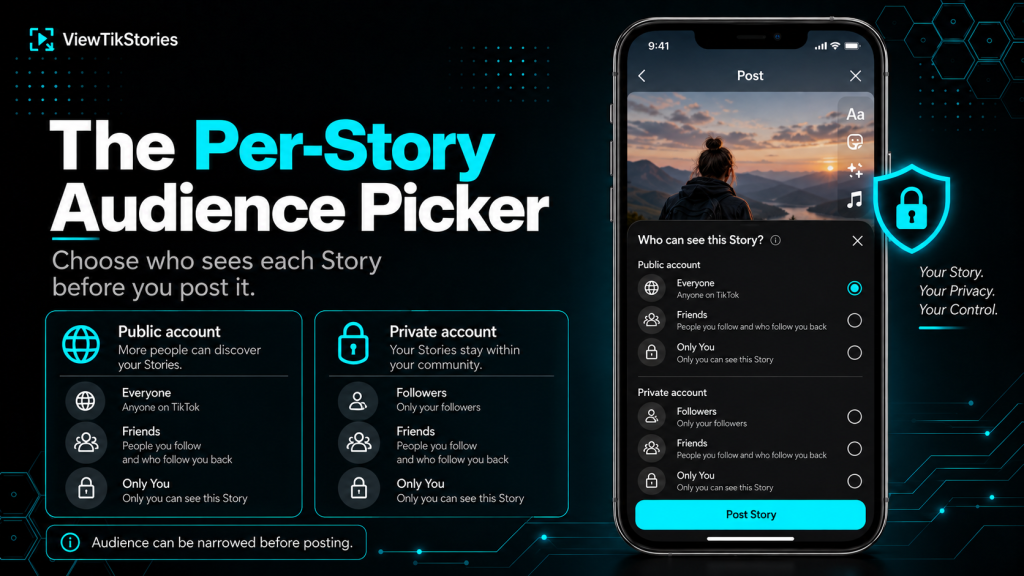
On a public account, you get three options:
- Everyone.Any TikTok user can see the Story. This is the default.
- Friends.People you follow who also follow you back. Not the same as all followers.
- Only You.Nobody else sees the Story at all. Useful for saving something to your own record without sharing it.
On a private account, the picker changes to:
- Followers.All your approved followers see the Story.
- Friends.Mutual follows only, a tighter circle within your followers.
- Only You.Same as public, nobody else sees it.
The Interaction Settings
These control what happens once somebody can see the Story. All of them sit in Settings under Privacy.
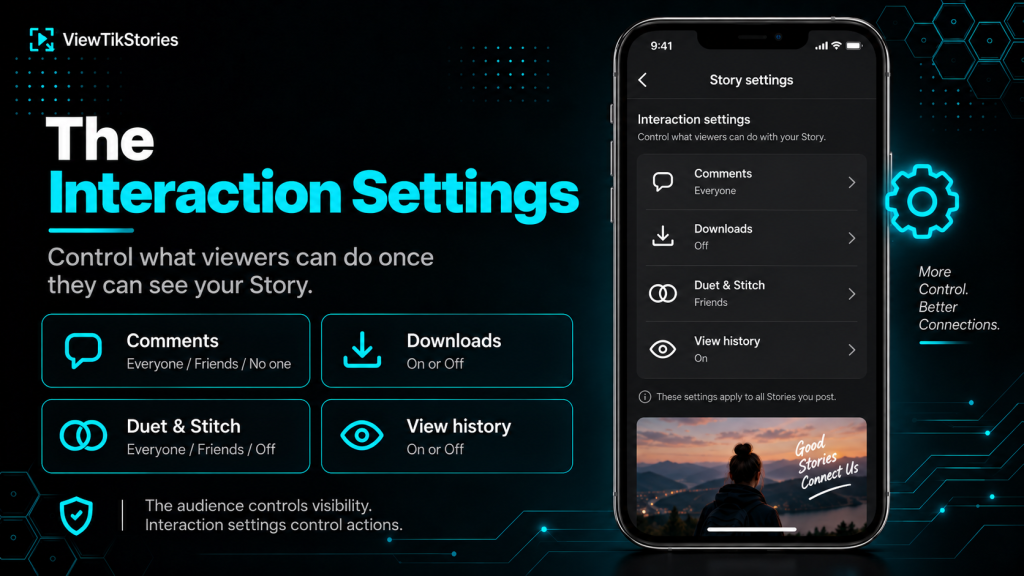
- Comments.Everyone, Friends or No one. Adjustable per Story from the interaction menu after posting.
- Downloads.On or Off. When Off, the Save Video option vanishes from the Share sheet entirely.
- Duet and Stitch.Everyone, Friends or Off. Duets remix your Story alongside somebody else’s. Stitches let others clip and react to your content.
- View history.On or Off. When On, you see who visited your profile and they see when you visit theirs. The toggle is two-way.
The download toggle is the one that catches people out. A creator who has downloads switched off cannot be worked around through the app. A browser-based Story viewer may still access the public stream directly, but the creator’s stated preference is worth respecting.
The Anonymity Question
Worth stating clearly because SERP results contradict each other on this.
TikTok is transparent about Story views. ItsStories documentation confirms that anyone who watches a Story appears in the creator’s viewer list while the Story is live. There is no ghost mode built into the app.
- Signed-in views always register in the creator’s viewer list.
- Order of views is visible. TikTok tracks who watched first, second, third and so on.
- Leaving quickly does not remove you once the view registers.
- Screenshots are silent. Views are not.
The full breakdown of what does and does not register sits in the guide on whether you can screenshot a TikTok Story without them knowing.
Changing a Story’s Privacy After Posting
Different from Instagram. Worth knowing before you post.
TikTok does not let you change the audience of a Story after it has been published. What you posted to Everyone stays visible to Everyone until it expires or you delete it. What you posted to Friends stays limited to Friends.
- The interaction settings (comments, downloads) can usually be adjusted after posting.
- The audience setting itself cannot.
- If the audience is wrong, delete the Story and repost with the correct setting.
- Deletion is instant, but anyone who saw it before deletion has already seen it.
When Others Cannot See Your Story
Five reasons account for most of these complaints.
- Account is set to Private.Non-followers see nothing regardless of the per-Story setting.
- Story set to Only You.Easy to leave selected by mistake if you tested with Only You once.
- Friends-only audience.Only mutual follows see it, which is a smaller circle than followers.
- Age restrictions.Content flagged as sensitive is hidden from younger accounts automatically.
- Regional block.Some Stories are unavailable in certain countries.
If followers report they cannot see something you posted publicly, the Only You setting is almost always the culprit.
Highlights and Saved Stories
Not all Stories expire after 24 hours. Some stay indefinitely.
TikTok lets creators save Stories to their profile as Highlights, which pins them permanently under the profile page rather than letting them disappear. The privacy setting from the original Story carries over, so a Highlight created from a Friends-only Story remains Friends-only.
- Highlights show below the main video grid on the profile.
- They keep whatever audience setting the original Story had.
- Removing a Highlight does not delete the underlying Story. The reverse is also true.
- Anyone who could see the original Story can see the Highlight version too.
How Story Privacy Interacts With Downloads
One more thing that trips people up. The download toggle only controls the in-app Save button.
- A browser-based Story viewer requests the public stream directly.
- If a Story is publicly viewable, a browser tool can usually load it regardless of the download toggle.
- If the account is private, no external tool reaches the Story.
- If the Story is set to Friends or Only You, no external tool reaches it either.
The mechanics of browser access sit in the guide on watching TikTok Stories in a web browser. The download process specifically is covered in how to download TikTok photo Stories.
TikTok Story Privacy FAQs
Can I make a specific Story visible to just one person?
Not directly. The narrowest audience option is Friends (mutual follows). For a single-person share, use direct messages instead.
Do my Story privacy settings carry over to Highlights?
Yes. A Highlight keeps the audience setting of the original Story it was created from.
If I switch my account to private, do my old Stories become private?
Yes. New privacy settings apply immediately to all existing content, including active Stories and Highlights.
Can I hide my Story from specific followers?
Only by using Friends as the audience (which limits to mutual follows) or by removing that follower before posting. TikTok has no per-Story blocklist like Instagram’s Hide From feature.
Three Layers, One Minute, Full Control
Account privacy sets the ceiling. Per-Story picker narrows within that ceiling. Interaction settings decide what viewers can do once they see it. That is the whole system. Getting it right takes less time than most people spend worrying about it.
If you want to see how a public profile actually looks to outsiders, load your own through theTikTok Profile Viewer and see what strangers actually see. Thestory viewer loads any public Stories the same way. Therepost viewer covers the public Reposts tab.