
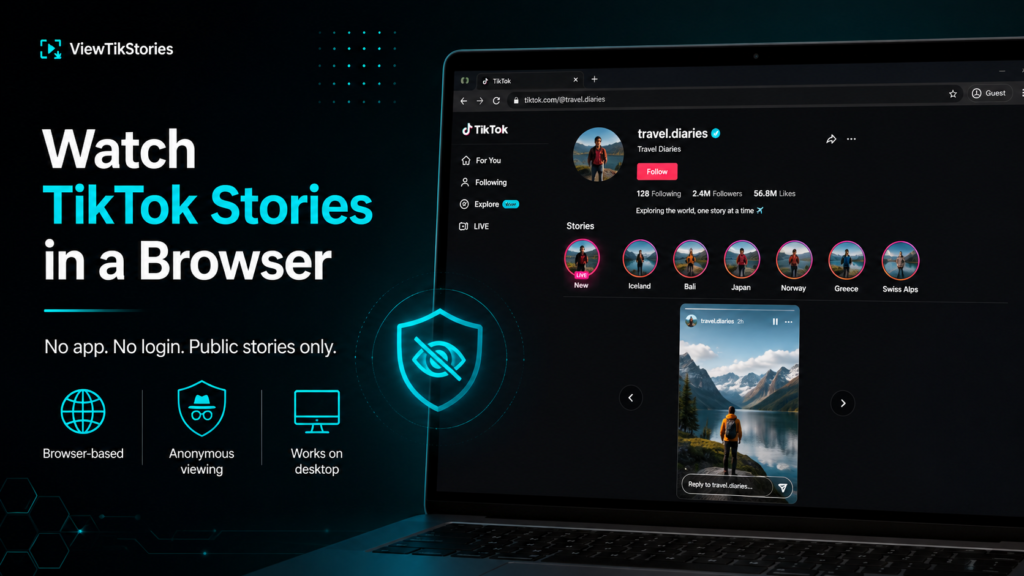
Short answer: Yes, but not always through TikTok itself.
TikTok is built mobile-first and Stories were never designed to shine on desktop. The website has slowly picked up more Story support over time. The experience remains patchy. A dedicated browser tool is usually the more reliable route. It is also the only one that works without you being signed in.
Here is the whole picture, so you know which option matches your situation.
What tiktok.com Actually Shows You
Open tiktok.com in any browser and TikTok loads. The homepage shows a For You feed. You can search for creators and hashtags. Public videos play in the browser. That much is straightforward and it works the same on mobile and desktop.
Stories are different. They surface through a blue ring around a creator’s profile picture. The reliable way to reach them has historically been the mobile app. The web version has been rolling out Story support in stages rather than all at once, so what one visitor sees is not always what another sees.
- Some profiles show their live Stories on the desktop site.
- Some do not, even for the same account viewed from a different device.
- The mobile web version tends to keep pushing an Open in app prompt on top of Stories.
- Sign-in walls appear more often on Stories than on regular videos.
Why the Official Website Struggles With Stories
Three overlapping reasons. None of them are going to change soon.
- Design priority.TikTok is a mobile-native product. Stories in particular are built around swipe interactions and vertical fullscreen playback.
- Rolling feature releases.Story features tend to appear on the app first and reach the web later, sometimes only for a subset of accounts.
- App promotion.The website is partly a funnel that pushes people toward installing the app, so certain features are gated even when technically available.
TikTok’s own help pages for watching videos focus almost entirely on the app experience. Its documentation forStories describes creation and viewing without ever positioning desktop as a first-class surface.
Two Types of Browser Viewing
Worth separating these clearly, because they solve different problems.
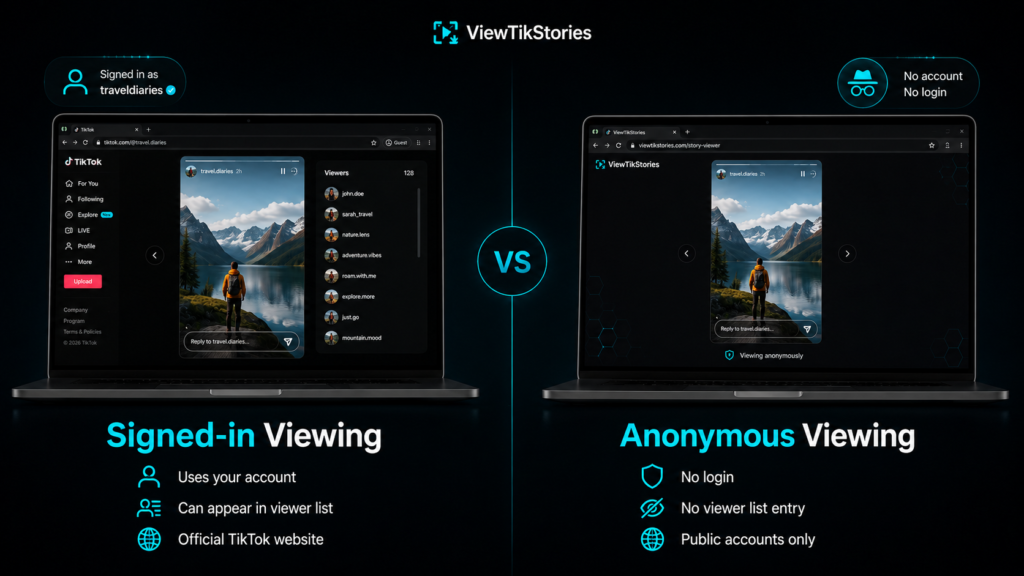
- Signed-in browser viewing.You open tiktok.com, log into your own account and try to watch Stories in the browser. Whatever loads adds your username to the creator’s viewer list, exactly as the app does.
- Anonymous browser viewing.A third-party tool loads public Stories through your browser without any account attached. Nothing reaches the creator and nothing lands in their viewer list.
People often mix these two up and end up asking why an anonymous viewer needs no login. The answer is that it is a different mechanism entirely, not a workaround.
How to Watch a TikTok Story in a Browser Without an Account
This is the reliable route when tiktok.com is not cooperating.
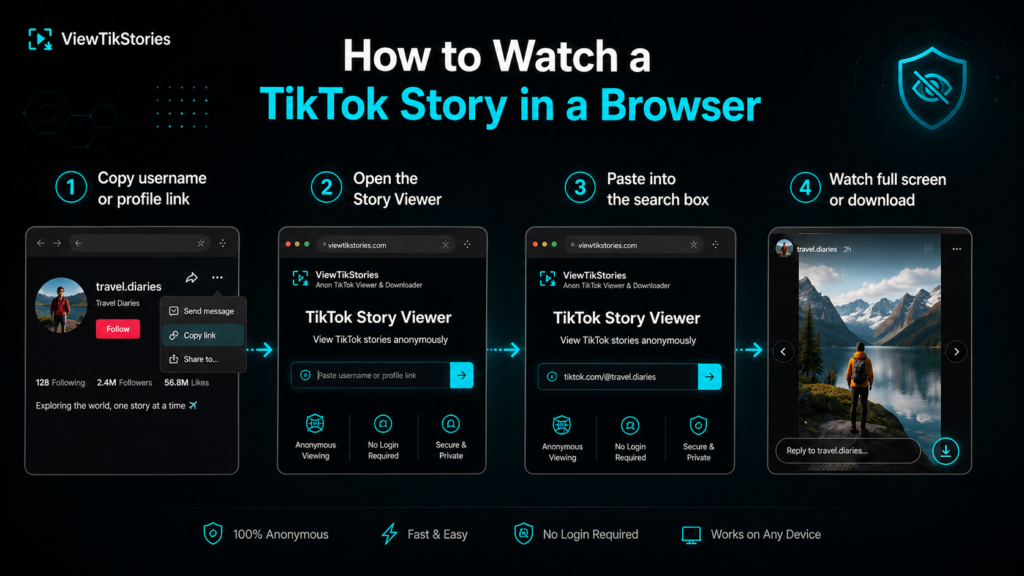
- Copy the creator’s username or their full profile link.
- Open theTikTok Story Viewer in whichever browser is on your device.
- Paste the username or link into the search box.
- Any active Stories load in a gallery view you can scroll through.
- Watch each one full screen or download it as a file.
No sign-up, no email, nothing installed and nothing sent back to the creator. Public accounts only, because private accounts stay closed on the platform itself.
What Device You Are On
The route above is the same on every device. What changes is the small experience details.
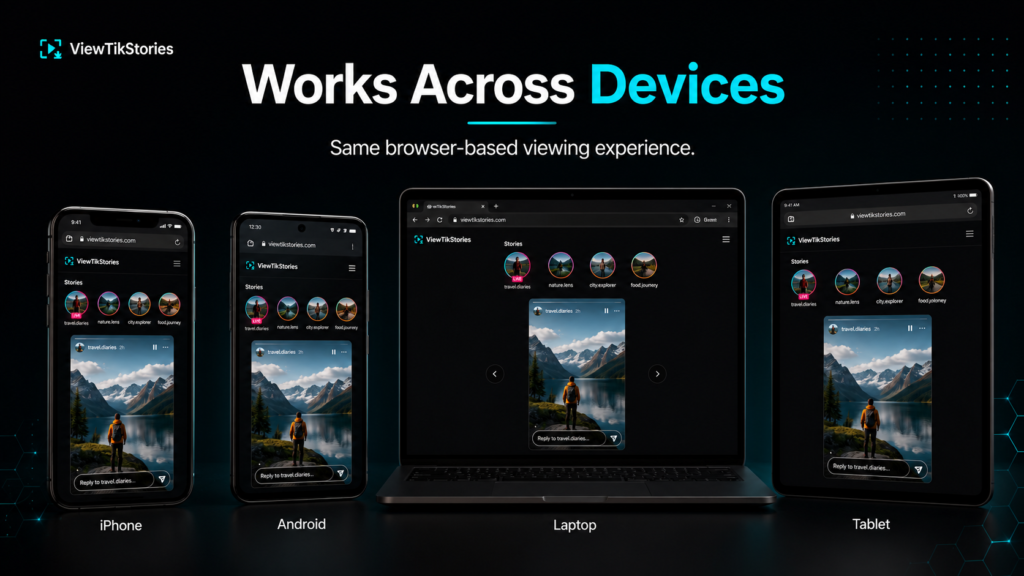
- iPhone.Safari handles this cleanly. Chrome and other browsers on iOS work equally well since they all share the same underlying engine.
- Android.Any browser will do. Chrome, Firefox, Samsung Internet, all identical for this job.
- Windows or Mac.Desktop browsers show Stories on a larger screen, which is useful when watching many at once or grabbing screenshots for reference.
- Tablet.The same web experience as a phone, with more room to see the Story.
What You Cannot See in a Browser
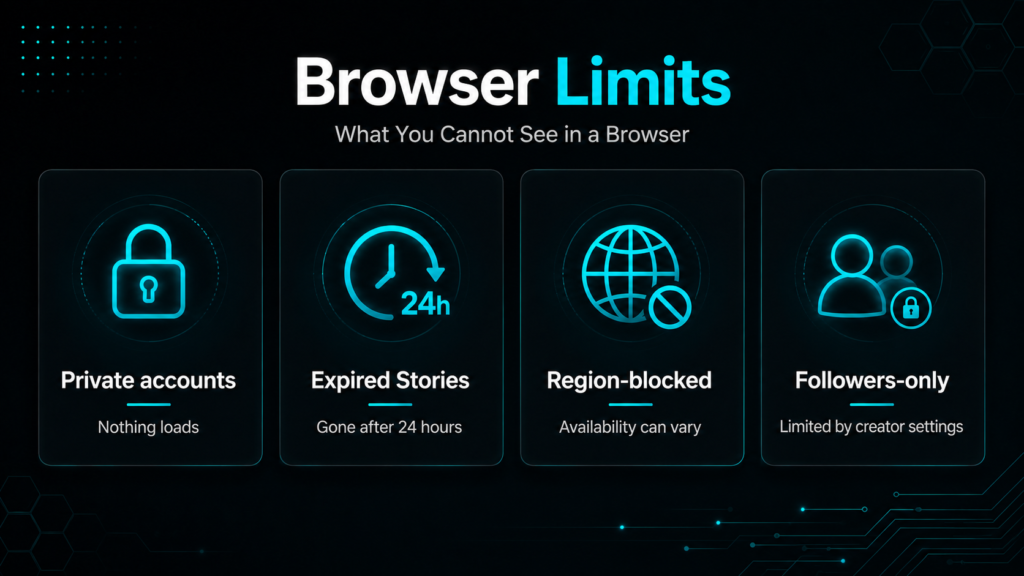
Being clear about the ceiling.
- Private accounts.Nothing loads. TikTok’s guidance onprivate accounts restricts them to approved followers. Nothing legitimate gets past that.
- Expired Stories.Once 24 hours are up, the file is gone from TikTok itself. No tool anywhere can pull it back unless the creator saved it as a Highlight.
- Region-blocked content.Some Stories are unavailable in some places. That comes from TikTok, not from the browser.
- Follower-only or Friends-only Stories.TikTok gives creators fine-grained sharing settings for individual Stories.
When to Use Which
Three quick rules.
- You have a TikTok account and want to browse casually.The official site works for videos. For Stories, the app or a dedicated viewer is more reliable.
- You have no account or do not want to sign in.A browser story viewer is the answer. Nothing on the official site works without hitting a sign-in wall eventually.
- You want to stay off the viewer list.A browser tool is the only route. Any signed-in view registers regardless of device.
The full breakdown of anonymity mechanics sits in the guide onviewing TikTok Stories anonymously. Photo Stories work the same way. The photo download walkthrough covers those specifically.
Common Browser Problems and What Causes Them
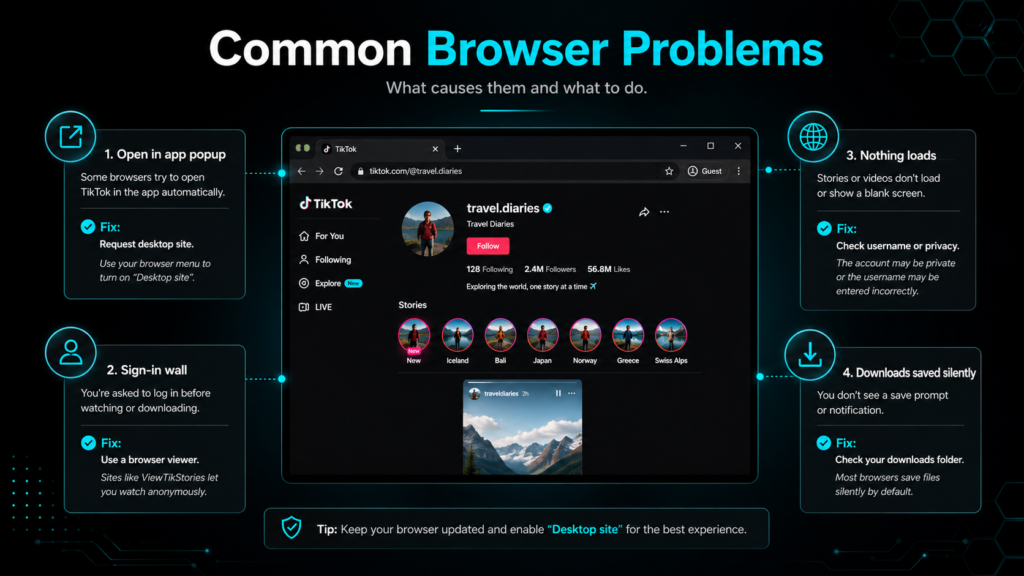
- Open in app popup keeps returning.Request the desktop site from your browser menu. That usually stops it.
- Story shows briefly then vanishes.Sign-in wall triggered. Switch to a browser tool instead.
- Nothing loads for a specific username.Handle might be misspelled or the account may have gone private since you last saw it.
- Video plays but Stories will not.You have hit the limit of what the web version offers. That is where the browser tools earn their place.
- Downloads save silently.Check your browser downloads folder. Files land there rather than in Photos on iOS.
TikTok Browser Viewing FAQs
Can I watch TikTok Stories on my laptop?
Yes. A browser tool loads them on any laptop without an app. The official site does show some Stories on desktop, though the experience varies.
Does watching in a browser use my TikTok account?
Only if you signed into tiktok.com. Third-party browser tools do not touch your account and never ask for it.
Will the creator know I watched?
Signed-in viewing adds you to the viewer list. Browser tool viewing does not.
Can I watch a private account’s Stories in a browser?
No. Private means private on every route, including anything that promises otherwise.
Yes to Browsers, Better Through the Right One
You can watch TikTok Stories in a browser. The catch is that the official website was never really built for it, so what you get through tiktok.com varies. A dedicated browser tool loads public Stories cleanly on any device, no account attached, no viewer list entry, no installs.
Open theTikTok Story Viewer with a username ready. Theprofile viewer andvideo downloader work the same anonymous way for the other parts of a profile.